By Ben Thompson September 15, 2026
Managing food truck sales tax multiple locations is not as simple as registering the business in one city and carrying that city’s tax rate everywhere the truck goes.
A truck may serve lunch downtown on Monday, park in another county on Wednesday, operate at a festival on Saturday, and cross a state line the following weekend. Each stop can raise a different sourcing, taxability, registration, and reporting question.
The practical rule is to determine the legally relevant location of each taxable sale under the state’s sourcing law, identify the state and local jurisdictions that apply there, determine whether each menu item is taxable, and configure the POS accordingly.
The POS then needs to preserve enough location detail to show where sales occurred when the business prepares its returns.
For many walk-up food-truck transactions, the place where the customer receives the meal is central to sourcing. That principle cannot safely be converted into a nationwide rule that says “always tax where the truck is parked,” however.
States use different sourcing frameworks, and delivery, catering, remote orders, special events, and other transactions may follow different rules.
The safest operational sequence is:
Schedule created → stop identified → jurisdiction verified → taxability checked → correct POS tax profile activated → sales tagged to location/event → location totals reconciled → return prepared → new-state activity reviewed for registration.
That process turns a moving sales operation into a set of documented tax locations instead of leaving every cashier or event manager to guess.
Food Truck Sales Tax Multiple Locations: Why the Rate Changes by Stop
The fundamental problem with food truck sales tax multiple locations is that a mobile food business can make taxable retail sales in several jurisdictions without changing anything about the legal address of the business.
Your LLC might be registered in City A. Your mailing address, commissary, bank account, and sales-tax account may all refer to City A. None of those facts automatically establishes City A as the sales-tax location for every transaction the truck makes elsewhere.
Suppose a hypothetical truck has its business address in City A but attends an event in City B. If the applicable state’s sourcing rules source an over-the-counter food sale to the location where the customer receives the meal, the City B event location—not the truck’s home office—may control the local tax calculation.
That is the distinction operators need to preserve:
- Business registration address: where the business is legally or administratively registered.
- Point of sale location: where the relevant transaction occurs or the customer receives the product under the applicable sourcing rule.
- Tax jurisdiction: the state and applicable local taxing authorities associated with the sourced transaction.
- Return location code: the jurisdiction or outlet identifier used when reporting sales, where the state requires location-level reporting.
Washington provides a useful verified example. Its Department of Revenue explains that local sales tax on restaurant and prepared-food sales is generally calculated using the location where the meal is served, while a meal received by the customer at another location can be sourced to that delivery location. The same guidance also explains why the correct location code matters when reporting local sales tax.
This illustrates why mobile vendor sales tax rules must be evaluated before rates are loaded into the POS. Another state may use a different sourcing system, and exceptions may apply to particular products or transaction types.
Why the Truck’s Registered Address May Not Set the Rate
A tax account’s mailing address tells the revenue agency where the business is based. It does not necessarily answer where an individual retail sale is sourced.
Consider this hypothetical route:
Registered business: City A
Tuesday stop: City A office district
Thursday stop: County B industrial park
Saturday event: City C festival grounds
Those three stops could involve three different combinations of local tax even though one truck, one entity, one bank account, and one merchant account handled all three.
The correct approach is not to select the nearest familiar city or reuse the home rate for convenience. Determine the exact selling location and apply the state’s sourcing law.
That distinction should be built into any food truck sales tax multiple locations procedure from the beginning.
How State, County, City, and Special-District Rates Stack
A food truck sales-tax rate may consist of more than one layer.
Conceptually, a transaction could be subject to:
Total transaction tax = state component + county component + city/local component + applicable special-district component
This is a framework, not a universal formula. Some states do not impose a statewide sales tax, some restrict local sales taxes, some administer local taxes centrally, and others have local governments with separate administration or special rules.
The following table is therefore a checklist of possible layers rather than a rate table.
| Layer | Example Authority | What It Adds | What to Verify |
| State | State revenue department | Statewide sales or transaction tax | State taxability and sourcing rule |
| County | County or state-administered locality | County sales/use tax | Whether the county applies to the exact address |
| City/local | Municipality or local taxing authority | City or local-option tax | City boundary and administration |
| Special district | Transit, tourism, stadium, regional or similar district | Additional district component | Exact district boundary and effective date |
| Meals/restaurant layer | State or local authority where authorized | Possible special prepared-food or meals tax | Whether food-truck sales fall within the definition |
For food truck sales tax multiple locations, this layered structure is why simply asking staff, “What city are we in?” may not be enough.
A Hypothetical Stacked Tax Example
Assume, only for illustration, that a taxable food sale occurs at an address subject to:
- State: X%
- County: Y%
- City: Z%
- Special district: W%
The combined rate would be:
X + Y + Z + W
These letters intentionally replace actual rates. An operator should obtain the current rate from an official state or local lookup source rather than copying a rate from an old spreadsheet, search snippet, neighboring business, or previous event.
Special districts are particularly important. Two addresses using the same city name or ZIP code can sometimes fall into different taxing boundaries. Some districts do not follow ordinary municipal lines.
Where the state provides one, an address-based jurisdiction lookup is generally safer than estimating from ZIP codes. Washington, for example, provides a tax-rate lookup that can return the applicable rate and location code for an address or mapped location.
That same discipline should be part of your mobile vendor sales tax rules process regardless of state: identify the exact location first, then determine the applicable tax components.
Prepared Food vs Packaged Goods: What Gets Taxed?
Knowing the correct jurisdiction does not finish the calculation. You also need to know whether the item being sold is taxable in that jurisdiction.
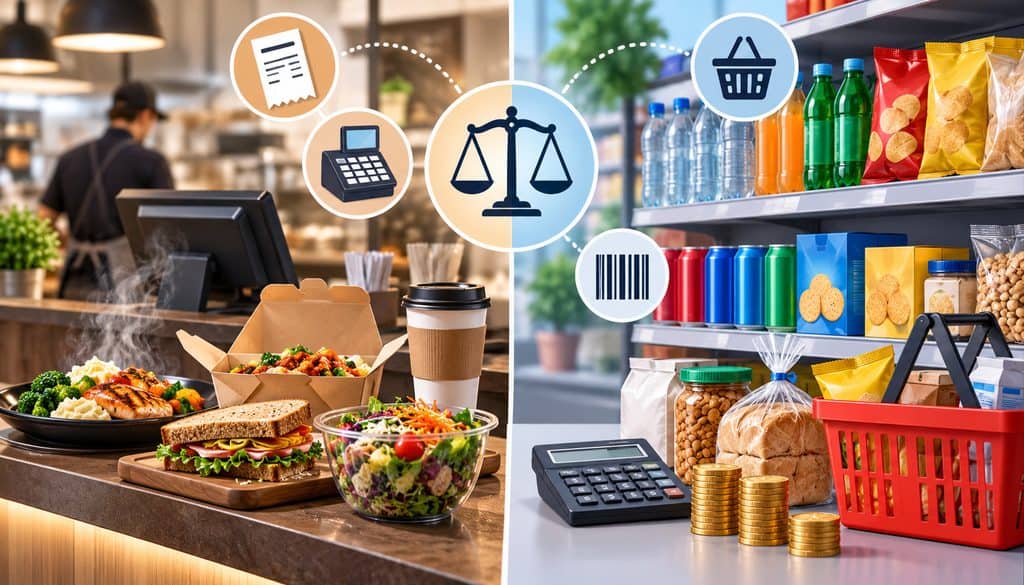
A prepared food tax rule can differ substantially from the rule for grocery-type food. Restaurant meals, heated foods, seller-combined foods, beverages, packaged snacks, bakery products, and grocery staples do not receive identical treatment nationwide.
This means food truck sales tax multiple locations is really a two-part problem:
- Where is the transaction sourced?
- What tax treatment applies to the product at that sourced location?
Washington again illustrates why item classification matters. Current Department of Revenue guidance generally treats prepared food as subject to retail sales tax while most grocery-type food receives different treatment. Its prepared-food definition includes factors such as heating, combining ingredients, and seller-provided utensils, with detailed exceptions and rules.
Do not copy Washington’s definitions into another state’s tax configuration. Use them as an example of how specific a state’s rules can become.
| Item Type | Possible Tax Treatment | Verification Needed |
| Prepared hot meal | Often taxable | State and local prepared-food rules |
| Cold prepared meal | Varies | State’s definition of prepared food |
| Factory-sealed drink | Varies | Beverage and grocery rules |
| Packaged snack | Varies | Grocery/snack-food treatment |
| Catering/event package | Varies | Food, service, delivery and sourcing rules |
Menu Tax Categories Matter
A strong POS configuration separates location tax from item taxability.
The location profile answers questions such as: Which jurisdiction applies? Which rate components belong at this stop?
The menu tax category answers: Is this item taxable under the applicable rules?
That separation becomes important when a truck sells a hot entrée, a packaged snack, a bottled beverage, and a catering package from the same register. Treating every SKU identically because “it is all food” can create incorrect collection.
Bundles require similar care. A combo containing food, beverages, merchandise, or other components may fall under state-specific bundled-transaction rules. Configure the system according to the jurisdiction’s rule instead of having cashiers manually remove or add tax during a rush.
A scalable mobile POS setup can keep menu items, tax settings, receipts, and sales reporting inside one operating workflow. The tax settings still need to be based on verified law rather than whatever default the software initially proposes.
Tips, Service Charges, and Taxable Sales
Voluntary tips should be separately identified from menu revenue so the POS, payroll process, and accounting system can treat them appropriately.
Do not assume every amount labeled “gratuity,” “service charge,” or “tip” receives the same sales-tax treatment. Mandatory charges can be treated differently under state law.
POS Tax Rate by Location: Building Mobile Tax Profiles
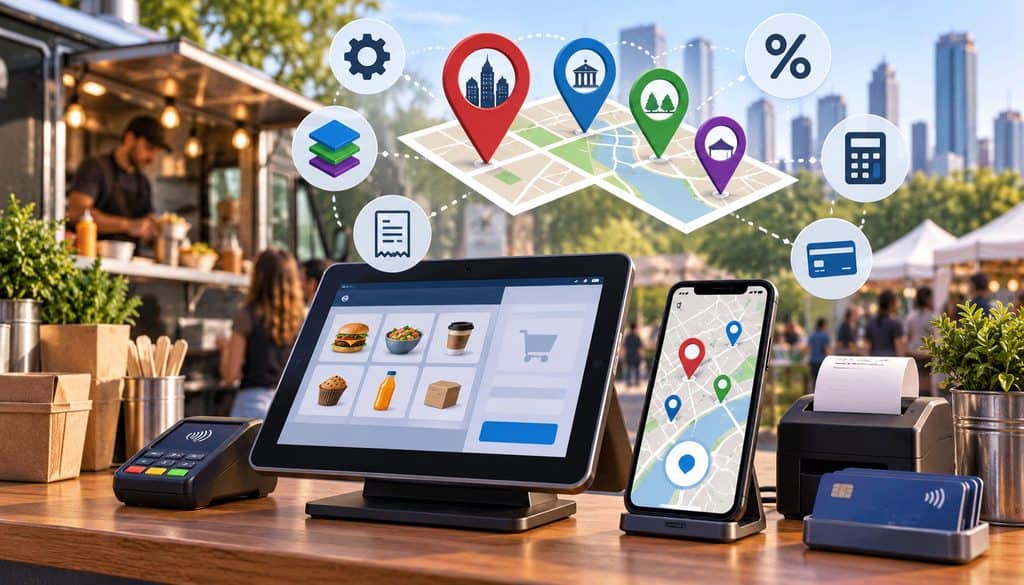
A reliable POS tax rate by location setup starts with a location master outside the register.
Think of the location master as the tax control sheet for the entire route. It tells whoever administers the POS exactly which profile should be active at each recurring stop.
| Site Code | Address | City | County | District | POS Profile |
| CITYA-MKT-SAT | Exact verified address | City A | County A | Verified district | Saturday Market |
| CITYB-BIZPARK-WED | Exact verified address | City B | County B | Verified district | Business Park |
| CITYC-FEST-01 | Exact verified address | City C | County C | Verified district | Festival Site |
| OUTSTATE-EVENT-01 | Exact verified address | Verified city | Verified county | Verified district | Out-of-State Event |
Add several internal columns that do not need to appear in an employee-facing version: rate verified date, effective date, verification source, permit status, return location code, person who verified it, and notes about special taxability rules.
This is one of the strongest controls for food truck sales tax multiple locations because it converts dozens of event addresses into standardized operational records.
Exact Addresses Beat ZIP-Code Guessing
Do not create a tax profile by typing a ZIP code into a generic search engine and choosing the first rate displayed.
ZIP codes are postal tools, not guaranteed taxing-jurisdiction boundaries. Special districts and municipal boundaries can create differences within a ZIP code.
For recurring stops, save the actual service address. If the event covers a large fairground, park, stadium complex, or campus, confirm which physical selling location the relevant authority expects you to use.
Recurring Stops vs One-Off Events
A regular Wednesday office park deserves a permanent location record because you will reuse it.
A one-off festival can use a temporary operational profile if the POS supports it, but preserve the profile or its exported history after the event. Deleting or overwriting it immediately can make later reconciliation harder.
Rates can also change mid-season. Record:
- prior rate,
- replacement rate,
- effective date,
- official source,
- date the POS changed,
- person who approved the change.
Do not rewrite historical reports so an old transaction appears to have occurred under today’s rate.
A Practical POS Tax Setup Workflow
| Step | Data Needed | Control |
| 1. Obtain site address | Exact venue/service address | Do not rely on event nickname |
| 2. Identify jurisdiction | State, county, city, district | Use authoritative lookup |
| 3. Verify sourcing | State sourcing guidance | Confirm walk-up vs delivery differences |
| 4. Verify taxability | Menu categories | Separate prepared and packaged items |
| 5. Create/select POS location | Site master record | Use consistent naming |
| 6. Assign tax components | Verified rate/profile | Record effective date |
| 7. Assign menu tax categories | Item classification | Avoid ad hoc cashier overrides |
| 8. Run test transaction | Representative items | Verify taxable subtotal and tax |
| 9. Check receipt | Location and tax output | Confirm customer-facing result |
| 10. Export after service | Location/event report | Preserve for reconciliation |
Square is one example of a platform with current support for taxes assigned to selected locations and selected items, as well as automatic and manual tax configurations. Its documentation also makes an important point: the merchant remains responsible for determining and configuring the tax correctly.
That is the appropriate way to view any POS tax engine. Automation can apply a rule consistently; it does not eliminate responsibility for supplying or validating the correct rule.
Switching the POS Profile for Every Event
The best POS tax rate by location system fails if the truck arrives at Saturday’s festival with Friday’s profile still active.
Do not make profile selection depend on employee memory.
Make it part of opening:
- Confirm the venue and exact address.
- Confirm the active POS location.
- Confirm the expected tax profile.
- Confirm the event tag.
- Ring a representative test sale.
- Check taxable subtotal.
- Check tax amount.
- Check the receipt.
- Test the expected refund behavior where practical.
- Begin service only after the test matches the setup sheet.
Multiple Stops in One Day
If the truck serves Site A for breakfast and Site B for dinner, separate the two service periods before the vehicle moves.
Close or capture the Site A report, switch to Site B, verify the new profile, and preserve both records.
For operators relying on mobile data, it is also worth understanding how offline-payment behavior can affect transaction timing and post-event reporting. A connection outage should not cause the team to abandon location controls.
GPS and Automatic Tax Features
Do not assume a POS detects every jurisdiction merely because the hardware contains GPS.
Some systems calculate tax based on configured locations, fulfillment information, account settings, delivery addresses, or tax-engine rules rather than the tablet’s live coordinates.
If a provider claims automated tax calculation, verify what inputs it uses and whether it covers in-person mobile selling at changing sites. Then test it against an official jurisdiction lookup.
Automation should be validated, not blindly trusted.
Tracking Sales by Site Code and Event Tag
The tax profile determines what is collected. Location reporting proves where it was collected.
A useful tax record should be capable of separating:
- site code,
- physical address,
- event name,
- city,
- county,
- state,
- applicable tax jurisdiction,
- service date,
- gross sales,
- taxable sales,
- exempt or non-taxable sales,
- tax collected,
- refunds.
That location record is what makes food truck sales tax multiple locations manageable at filing time.
Site Code vs Event Tag
These two fields serve different purposes.
A site code identifies the physical or tax location.
An event tag identifies why the truck was there.
For example:
CITYA-MKT-SAT could be the permanent site code for a market location.
The event tags could be:
SPRING-OPENING
JULY-HOLIDAY
HARVEST-WEEKEND
The same physical site can host many events without creating a new tax location each time.
Pro Tip: Keep the physical site code separate from the event name. Reusing a verified tax location is much easier when marketing names do not become part of the tax logic.
What the Sales Export Should Contain
At minimum, evaluate whether your POS can export:
- gross sales,
- taxable sales,
- non-taxable or exempt sales,
- tax collected,
- tax rate or tax profile,
- location,
- transaction date,
- order count,
- refunds.
A system with multi-location reporting and centralized transaction data can reduce the amount of manual spreadsheet work required when several trucks or locations operate simultaneously.
If a platform cannot report tax by the same location dimensions you need for the return, solve that problem before scaling the route.
Event Sales Tax for Food Vendors: What the Organizer Does and Does Not Cover
The event sales tax food vendor question should be asked before every unfamiliar festival:
Who is legally responsible for collecting and remitting the tax on the vendor’s sales?
Do not infer the answer from the fact that an organizer charges a booth fee, requests a revenue percentage, gives vendors a tax information sheet, or asks for a permit number.
Depending on the jurisdiction, an organizer may:
- verify seller registrations,
- maintain vendor records,
- report participating vendors,
- provide applicable rate information,
- collect event-related fees,
- facilitate tax remittance under a specific statutory arrangement,
- or have other event-specific duties.
None of those possibilities automatically means the vendor’s collection obligation disappears.
Washington’s event rules provide a useful example of why organizer duties and vendor tax duties should not be confused.
The Department of Revenue’s special-event promoter requirements require covered promoters to make a good-faith effort to verify vendor registration and maintain specified vendor information, while taxable vendors remain responsible for collecting and paying the applicable combined state and local sales tax unless another rule applies.
Another state may structure event responsibilities differently, so verify the state in which the event actually occurs.
| Responsibility | Organizer May Handle | Vendor Must Verify |
| Vendor eligibility | Permit/registration check | Whether vendor itself must register |
| Booth administration | Site assignment and event fee | Fee is not automatically sales tax |
| Rate information | May provide location/rate sheet | Confirm against authoritative rules |
| Sales reporting | May request end-of-event totals | What government filing remains required |
| Tax remittance | Possible only where law/arrangement permits | Whether vendor must still file or remit |
| Event records | May keep vendor list | Vendor should retain its own POS reports |
Booth Fees and “Tax Included” Language
A booth fee is not automatically a sales-tax payment.
Neither is a commission the organizer takes from gross sales.
If event paperwork says “tax included,” determine precisely what that means. Is the organizer merely telling vendors to use tax-inclusive menu pricing? Is it collecting a contractual fee? Is there a statutory program through which it actually remits vendor sales tax?
Get the arrangement in writing.
Food Truck Tax Nexus When You Cross City, County, or State Lines
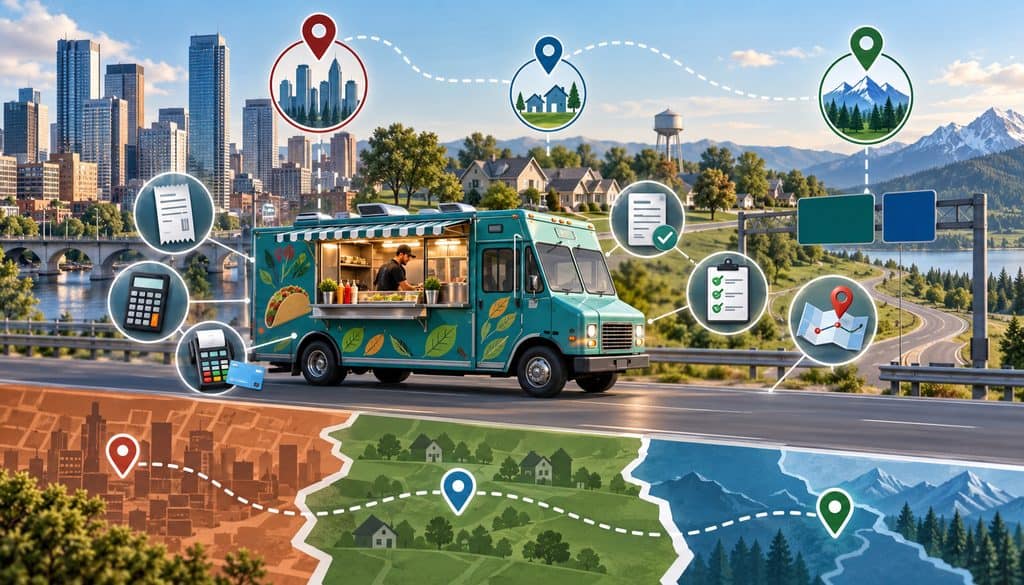
The phrase food truck tax nexus city county often gets used too loosely.
“Nexus” generally concerns whether a taxing authority has enough connection with a business to impose tax-registration or collection responsibilities. It is not simply another name for deciding which local tax rate belongs on a transaction.
Three issues should remain separate:
| Requirement | What It Covers |
| Sales-tax registration | Authority to collect/report/remit tax |
| Local vendor or business permit | Authority to operate a business in the locality |
| Health permit | Food-safety and public-health requirements |
| Event approval | Permission to participate at the specific venue/event |
A truck can therefore have the correct sales-tax rate and still lack a required local operating permit, or possess a local vendor permit while its state tax registration still needs attention.
That distinction is essential when discussing food truck tax nexus city county compliance.
Physical Presence and Out-of-State Events
Actually taking a truck, inventory, equipment, and personnel into another state to make retail sales creates a much stronger sales-tax registration question than merely receiving an online order from a distant customer.
The exact consequence still depends on the state’s law. Do not assume every one-day event is automatically exempt, and do not assume every state handles temporary vendors identically.
Some jurisdictions provide temporary-event registration procedures. Others may require a standard sales-tax registration, depending on the circumstances.
That is why an out-of-state food truck should investigate registration before accepting an interstate booking rather than after the weekend is over.
If the truck begins returning weekly or monthly, treat the second state as part of normal compliance planning instead of continuing to regard every stop as an isolated event.
Destination-Based Sales Tax and Mobile Food Trucks
The phrase destination based sales tax food truck needs careful handling because not every state follows the same sourcing model.
In a destination-sourcing system, retail transactions may be sourced according to where the purchaser receives the taxable product. For walk-up food sales, that can make the truck’s service location highly relevant.
Washington, for example, expressly explains that goods are generally coded where the customer receives them, and meals are generally taxed where served unless the customer receives them at a different location.
Other states may use origin rules, mixed systems, special local rules, or transaction-specific exceptions.
So a destination based sales tax food truck checklist should begin with “confirm the state’s sourcing rule,” not “assume destination tax.”
Walk-Up Sales, Delivery, Catering, and Preorders
These transactions can look similar operationally but may not source identically.
Walk-up: Customer orders and receives the meal at the truck.
Delivery: Truck or staff delivers the order to another address.
Catering: Food and service may be provided at a customer’s event location.
Online preorder: Customer pays before arriving but receives the meal later.
Payment time alone does not necessarily determine the sourcing location.
For online ordering, preserve the pickup or delivery destination and the fulfillment method. A workflow for taking preorders before an event should retain the event or pickup location along with the order, because location may matter to the eventual tax analysis.
The second use of destination based sales tax food truck terminology is particularly important here: a destination-sourcing rule may point a delivered order somewhere different from the truck’s current parking place.
One-Off Events vs a Regular Route
Before a one-time interstate event, verify:
- sales-tax registration,
- any temporary seller process,
- state and local sourcing,
- product taxability,
- event-vendor requirements,
- local licensing,
- health requirements.
Before turning that trip into a recurring route, review it again as ongoing activity.
Economic nexus may also matter in some situations, but a physically present truck should not begin by assuming remote-seller thresholds protect it. Physical activity can be independently significant under state law.
This is another reason food truck tax nexus city county analysis should never be reduced to “we are under the online-sales threshold.”
How to Reconcile POS Tax Reports to the Return
The best end-of-period workflow is:
POS sales by location → tax-jurisdiction worksheet → accounting reconciliation → sales-tax return
For food truck sales tax multiple locations, the return should be traceable back to individual operating sites rather than reconstructed from bank deposits.
Processor deposits do not determine the correct jurisdiction. The processor’s job is to move card-payment funds. Tax logic comes from the POS/tax configuration and applicable law.
Cash sales follow the same taxability and sourcing rules as equivalent card sales. Payment method does not change the nature of the taxable sale.
Location-Level Reconciliation
| Location | Taxable Sales | Tax Collected | Return Amount | Variance |
| Downtown lunch stop | $— | $— | $— | $— |
| County business park | $— | $— | $— | $— |
| Saturday market | $— | $— | $— | $— |
| Festival site | $— | $— | $— | $— |
Every variance deserves an explanation.
Common explanations include:
- refund timing,
- manual tax override,
- transaction moved between locations,
- inclusive versus additive tax settings,
- event organizer remittance,
- posting error,
- tax-rate change,
- non-taxable item classification.
Do not simply force the return to match the bank account.
Sales Tax Is a Liability, Not Food Revenue
When the business collects sales tax from customers, the accounting system should generally preserve that amount as a tax liability rather than treating it as food-sales revenue.
The basic control is:
Tax collected per POS by site
vs.
tax liability posted in accounting
vs.
tax reported/remitted
Any difference should be understood before the return is filed.
Refunds Should Retain Their Original Tax Trail
When a customer receives a refund after the event has ended, the system should retain enough data to identify the original transaction and tax location.
A refund should not become an unattributed negative sale at whichever stop happens to be active when the refund is processed.
Preserving the original order number, location, tax profile, tax amount, and date makes the adjustment much easier to defend and report correctly.
Location Codes on Returns
Some states allocate local tax using location or jurisdiction codes.
One state-level registration therefore does not necessarily mean every transaction can be combined into one undifferentiated statewide number.
Washington is a concrete example: the Department of Revenue instructs sellers to report local retail sales by the correct location code so local sales-tax revenue is distributed appropriately.
The appropriate mobile vendor sales tax rules procedure is to map each internal site code to the government’s required reporting location before filing—not while racing to complete the return on the due date.
Monthly Filing Workflow
- Export POS sales by site.
- Separate taxable and non-taxable sales.
- Confirm tax collected by profile.
- Map internal site codes to return jurisdictions.
- Identify and reconcile refunds.
- Reconcile the sales-tax liability account.
- Account for any documented event-organizer remittance.
- Prepare the applicable return.
- Retain supporting reports.
- Update the location master for changes discovered during filing.
This makes food truck sales tax multiple locations a repeatable accounting process rather than a monthly investigation.
Common Mobile Vendor Sales Tax Mistakes
Most mobile-tax problems are operational mistakes before they become accounting mistakes.
| Mistake | Compliance Risk | Better Approach |
| Using the home-city rate everywhere | Wrong local collection | Source each operating location |
| Using only a ZIP code | Missed city/district boundary | Verify exact address |
| Ignoring a special district | Undercollection | Use official jurisdiction lookup |
| Forgetting to switch POS profile | Yesterday’s tax applied today | Opening profile check |
| Assuming organizer remits everything | Unpaid vendor obligation | Verify written event arrangement |
| Failing to tag sales by location | Filing becomes guesswork | Require site code on transactions |
| Treating all food identically | Wrong item taxability | Maintain menu tax categories |
| Crossing a state line without review | Registration exposure | Review before accepting event |
| Overwriting old tax rates | Historical records become unclear | Effective-date changes |
| Booking collected tax as revenue | Misstated books/liability | Map tax to liability account |
The classic event sales tax food vendor error is trusting informal organizer instructions without determining what the organizer is legally doing.
The classic POS tax rate by location error is configuring several profiles correctly and then failing to select the right one when service begins.
And the classic food truck sales tax multiple locations accounting error is maintaining perfect daily sales totals while losing the jurisdiction associated with those totals.
Food Truck Multi-Location Sales Tax Checklist
Use this operational checklist before routes and events become too numerous to manage informally.
- Build a master list of operating locations.
- Record the exact street address for every stop.
- Identify the city.
- Identify the county.
- Identify special districts where applicable.
- Verify the state’s sourcing rule.
- Verify prepared-food taxability.
- Verify packaged-item taxability.
- Look up the current tax rate through an authoritative source.
- Record the rate’s effective date.
- Create the POS location or tax profile.
- Assign a site code.
- Assign an event tag.
- Test a sample transaction.
- Verify receipt tax.
- Confirm organizer tax responsibilities.
- Confirm vendor registration status.
- Switch the POS location before service.
- Export sales after each event.
- Track taxable and non-taxable sales separately.
- Track refunds to their original location.
- Reconcile tax collected to accounting.
- Map site totals to the return.
- Review out-of-state activity for registration.
- Preserve official rate/source documentation.
- Update profiles when rates change.
Weekly Route Tax Workflow
For operators dealing with food truck sales tax multiple locations, a weekly schedule can be turned directly into a compliance workflow:
- Finalize next week’s stops.
- Verify each exact address.
- Identify the applicable jurisdiction.
- Review the current rate and effective date.
- Review menu taxability if the jurisdiction is new.
- Create or update the POS location profile.
- Assign site and event codes.
- Run a tax test.
- Operate the event or stop.
- Close the location report.
- Archive the event report.
- Reconcile weekly sales by site.
- Flag new jurisdictions for registration review.
Pre-Event Tax Checklist
Before service, the manager or POS administrator should be able to answer all of these questions:
- What is the exact service address?
- Which taxing jurisdictions cover the address?
- What rate/profile should be active?
- Which menu categories are taxable?
- Is the business properly registered for the event location?
- Which POS location is active?
- Which site code is active?
- Which event tag is active?
- What, if anything, is the organizer doing with sales tax?
- What reporting will be needed after the event?
This is more reliable than teaching employees complicated tax law. Staff should operate a verified system; management or qualified advisors should determine the rules behind that system.
Frequently Asked Questions
Which sales-tax rate should a food truck charge when it moves between cities?
Determine the legally sourced location of each sale under the relevant state’s rules, then apply the tax components and item-taxability rules for that location. For many walk-up transactions, where the customer receives the food is highly relevant, but that is not a universal nationwide sourcing rule.
A food truck sales tax multiple locations system should therefore maintain verified profiles for recurring operating sites.
Does a food truck use its home-city sales-tax rate everywhere?
No general rule makes a truck’s home-city rate portable to every stop. The business address and the location to which a particular taxable retail transaction is sourced can be different. Check the state’s sourcing law and the exact location of the sale.
How do city and county sales taxes stack for mobile vendors?
Where the jurisdiction uses layered taxes, the applicable transaction rate can include state, county, city, and special-district components. The exact components vary by jurisdiction. Do not calculate them from a generic ZIP-code table when an official address-level lookup is available.
Are food-truck meals taxed differently from packaged food?
They can be. Many states distinguish prepared food from at least some grocery-type food, but the definitions and exceptions differ. Menu items should therefore be classified according to the state’s actual rules instead of placing every product into one generic “food” tax category.
What does destination-based sales tax mean for a food truck?
Destination based sales tax food truck discussions generally concern rules that source a transaction according to where the customer receives the product. That may make the walk-up service location important while causing a delivered order to be sourced elsewhere. Because states differ, confirm the actual sourcing hierarchy before configuring the POS.
How do I set a POS tax rate by location?
Build a verified location master first. For each site, record the address, jurisdiction, applicable tax profile, effective date, menu tax treatment, and government reporting code where needed. Then create or assign the corresponding POS tax rate by location, test a transaction, verify the receipt, and make location selection part of opening procedures.
Should each recurring food-truck stop have its own POS profile?
A recurring stop should at least have a persistent location record that reliably applies the correct tax configuration and can be separately reported. Whether that means a separate POS “location,” tax profile, device mode, tag, or another configuration depends on the software architecture.
How do I track sales by event for tax returns?
Use a site code for the physical/tax location and a separate event tag for the commercial event. Export taxable sales, non-taxable sales, tax collected, refunds, order counts, and transaction dates by site. Map the site code to the jurisdiction or return location code used for filing.
Does a festival organizer collect sales tax for food vendors?
Do not assume it does. Event sales tax food vendor obligations depend on applicable state law and the actual arrangement. An organizer may verify registrations or maintain vendor reports without taking over the vendor’s obligation to collect and remit sales tax.
What if the event organizer says tax is included in the booth fee?
Ask for documentation explaining exactly what the fee represents.
A booth charge, commission, or event percentage is not automatically a sales-tax payment. Determine whether the organizer is actually authorized and obligated to remit tax for participating vendors under the applicable jurisdiction’s rules.
Do I need a sales-tax permit to work one event in another state?
Possibly. States differ.
Some have temporary seller or event-registration procedures, while others may require standard registration depending on the seller’s activity. Do not assume a one-day event creates an exemption.
Does driving across a state line create tax nexus?
Simply driving through a state and entering it to conduct retail business are not the same activity. When a truck physically enters another state with employees, equipment, inventory, and the purpose of making retail sales, that creates a significant food truck nexus question.
Review that state’s rules before the event. This is where food truck tax nexus city county terminology should be kept separate from local licensing.
How should I handle refunds after an event?
Keep the refund connected to the original sale whenever possible.
Preserve the original site’s code, transaction date, taxable amount, tax collected, and refund amount so the adjustment remains traceable during sales-tax reconciliation.
What happens if a local tax rate changes mid-season?
Update the profile using the official effective date and preserve the old configuration in historical records. Do not overwrite prior transactions with the new rate. Document the old rate, new rate, effective date, source, and date the POS was updated.
How do I reconcile food-truck tax collected to the sales-tax return?
Compare three numbers by location: tax collected in the POS, tax liability recorded in accounting, and tax reported or remitted. Investigate differences caused by refunds, manual overrides, organizer remittance, inclusive pricing, tax-profile errors, or posting issues before filing. That reconciliation is the final control in a reliable food truck sales tax multiple locations process.
Conclusion
A mobile food business cannot safely treat its home-city sales-tax rate as a rate that travels with the truck. Every stop has to be evaluated under the sourcing rules of the state involved, with the exact sales location and applicable local jurisdictions identified before the POS is configured.
Tax sourcing is only one part of the job. Prepared meals may receive different treatment from packaged or grocery-type items, and state, county, city, special-district, or authorized meals-tax components can affect a transaction. Location tax profiles and item tax categories therefore need to work together.
The strongest operating system keeps every transaction attributable to a verified site, preserves effective dates when rates change, separates site codes from event tags, and reconciles tax collected through the POS to both accounting and the return.
Festival participation does not automatically transfer tax responsibility to the organizer. Likewise, crossing into another state should prompt a registration review before the route becomes routine.
When those controls are built into scheduling, POS setup, event opening, reporting, and filing, mobile tax compliance becomes a repeatable process instead of a new guessing exercise at every stop.